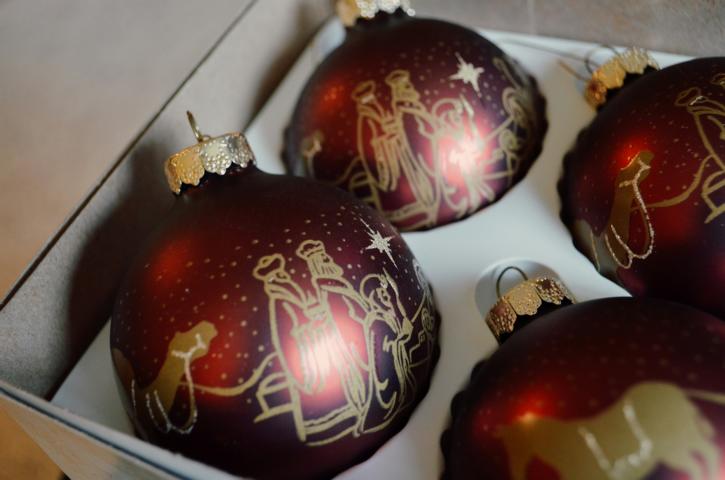
Dieses Dreamcodes Script platziert Weihnachtsdekoration auf höchstem visuellen Niveau auf einer beliebigen Webseite. Lichterketten flackern zufällig, Weihnachtskugeln schwingen und reflektieren Licht. Tiefe und Größenvariation erzeugen ein cineastisches Gefühl, als würde man durch eine echte, geschmückte Szene blicken. Alles in Echtzeit animiert und vollständig interaktiv, ohne die Nutzerinteraktion zu stören.
(() => {
    const canvas = document.createElement('canvas');
    document.body.appendChild(canvas);
    const ctx = canvas.getContext('2d');

    let W = window.innerWidth;
    let H = window.innerHeight;
    canvas.width = W;
    canvas.height = H;
    canvas.style.position = 'fixed';
    canvas.style.top = 0;
    canvas.style.left = 0;
    canvas.style.pointerEvents = 'none';
    canvas.style.zIndex = 9999;

    const lights = [];
    const balls = [];
    const LIGHT_COUNT = 60;
    const BALL_COUNT = 20;

    let mouseX = 0, mouseY = 0;

    function r(a,b) { return Math.random()*(b-a)+a; }

    class Light {
        constructor() {
            this.x = r(0,W);
            this.y = r(0,H*0.6);
            this.size = r(3,7);
            this.baseAlpha = r(0.5,0.9);
            this.alpha = this.baseAlpha;
            this.fluct = r(0.002,0.008);
            this.color = `hsl(${r(20,50)},100%,70%)`;
        }
        update() {
            // Flackern
            this.alpha = this.baseAlpha + Math.sin(Date.now()*this.fluct + this.x) * 0.3;
        }
        draw(px, py) {
            const fx = this.x + px*20;
            const fy = this.y + py*15;
            const grd = ctx.createRadialGradient(fx,fy,0,fx,fy,this.size);
            grd.addColorStop(0, `rgba(255,${200+r(0,55)},${150+r(0,30)},${this.alpha})`);
            grd.addColorStop(1, 'rgba(0,0,0,0)');
            ctx.fillStyle = grd;
            ctx.beginPath();
            ctx.arc(fx,fy,this.size,0,Math.PI*2);
            ctx.fill();
        }
    }

    class Ball {
        constructor() {
            this.x = r(0,W);
            this.y = r(H*0.2,H*0.8);
            this.size = r(8,20);
            this.color = `hsl(${r(0,360)},60%,50%)`;
            this.swing = r(0.01,0.03);
            this.phase = r(0,Math.PI*2);
        }
        update() {
            this.phase += this.swing;
        }
        draw(px, py) {
            const fx = this.x + Math.sin(this.phase)*10 + px*15;
            const fy = this.y + py*10;
            // leichte Glanzreflexe
            ctx.fillStyle = this.color;
            ctx.beginPath();
            ctx.arc(fx,fy,this.size,0,Math.PI*2);
            ctx.fill();
            const shine = ctx.createRadialGradient(fx-4,fy-4,0,fx,fy,this.size);
            shine.addColorStop(0,'rgba(255,255,255,0.5)');
            shine.addColorStop(1,'rgba(255,255,255,0)');
            ctx.fillStyle = shine;
            ctx.beginPath();
            ctx.arc(fx,fy,this.size,0,Math.PI*2);
            ctx.fill();
        }
    }

    function init() {
        for(let i=0;i<LIGHT_COUNT;i++) lights.push(new Light());
        for(let i=0;i<BALL_COUNT;i++) balls.push(new Ball());
    }

    function resize() {
        W = window.innerWidth;
        H = window.innerHeight;
        canvas.width = W;
        canvas.height = H;
    }
    window.addEventListener('resize', resize);
    window.addEventListener('mousemove', e=>{
        mouseX = e.clientX;
        mouseY = e.clientY;
    });

    function animate() {
        ctx.clearRect(0,0,W,H);
        const px = (mouseX/W-0.5)*2;
        const py = (mouseY/H-0.5)*2;

        lights.forEach(l=>{
            l.update();
            l.draw(px,py);
        });

        balls.forEach(b=>{
            b.update();
            b.draw(px,py);
        });

        requestAnimationFrame(animate);
    }

    init();
    animate();
})();